
 EN
Video
We check where each moment starts and ends, and look for dark frames, freezing, and abrupt cuts.
Find your streamer and
Twitch highlights while the stream is still liveClips with facecam and captions. AI checks the edit, and you decide what goes live.
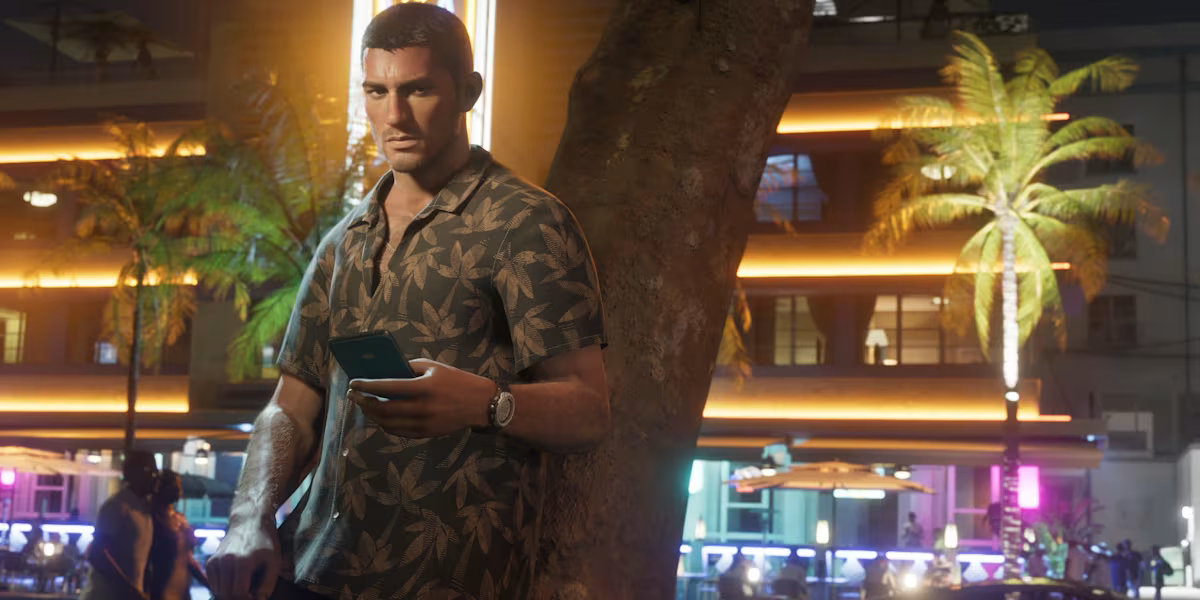
Cinema moment?Clip it.
What we check
We check where each moment starts and ends, and look for dark frames, freezing, and abrupt cuts.
We flag cut-off speech, clipping, and spots where the game or music drowns out the voice.
We match captions to speech and check that social app controls won't cover them.
We check the vertical framing, resolution, and frame rate for short-form video.
The link stays in your studio.
The channel status updates when Twitch confirms the stream is live.
You do.
Approve a clip, choose your connected YouTube, TikTok, or Instagram accounts, and send it.
Post statuses and links stay in your publishing history.
One Twitch channel and five approvals per month.
Your first hour of clipping is ad-free and can span multiple runs. After that, clips include a short voiced ClipsForTips ad.
Rejected clips don't count toward the limit.
Publishing to social accounts is available on paid plans.
Paste a Twitch link and start free. Your first hour is ad-free.